|
User manual for Midas VeniceF-32 32-Channel Hybrid Console Mixer VENICE F-32
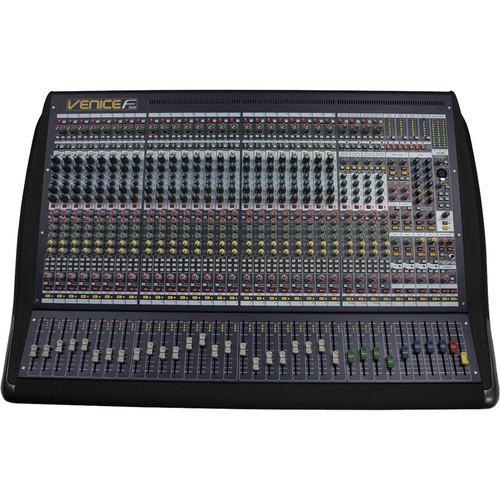
- Manufacturer: Midas
- Basic description and contents of package
- Product classification: Pro Audio - Recording - Analog Recording Mixers
- Safety instructions
- Startup and operation of the analog recording mixers
- Tips for setting up your Midas
- Settings and expert assistance
- Contact Midas service
- Troubleshooting
- Warranty information
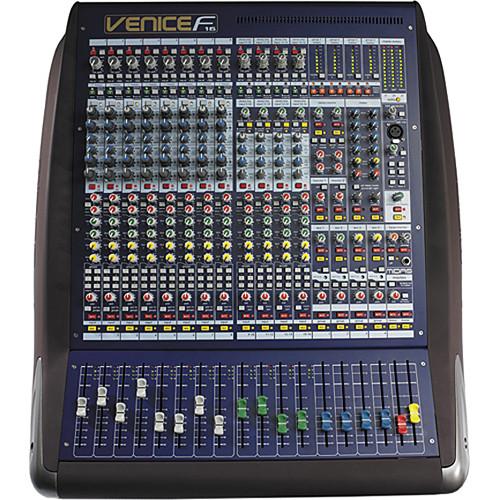
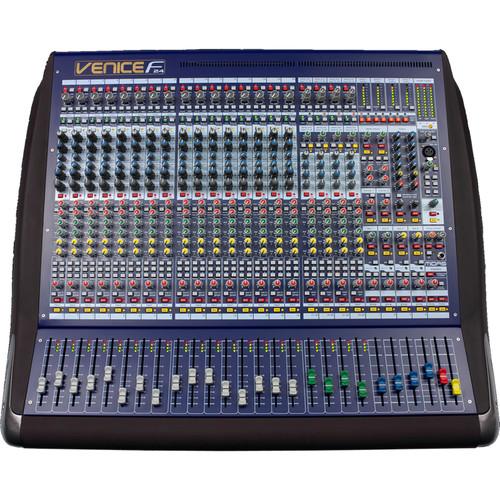
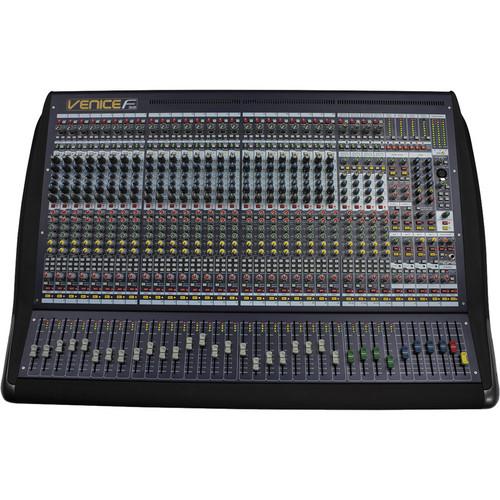
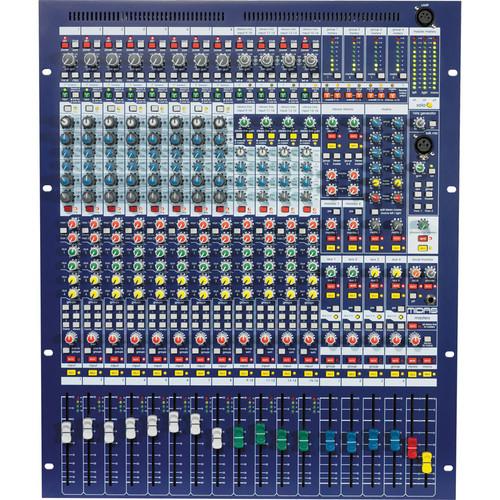
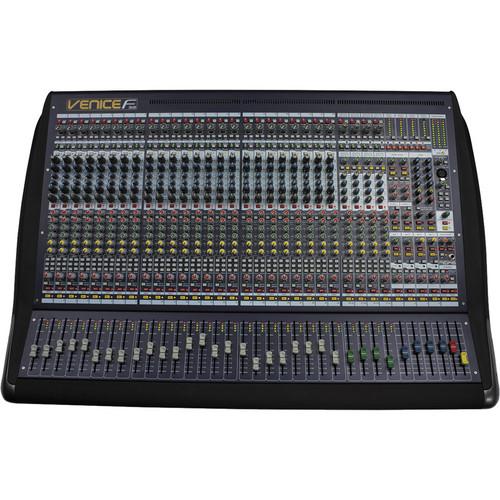
Click to enlarge image
|
We recommend checking out our discussion threads on the Midas VeniceF-32 32-Channel Hybrid Console Mixer VENICE F-32,
which address similar problems with connecting and setting up Analog Recording Mixers Midas.
|
User manual for the Midas VeniceF-32 32-Channel Hybrid Console Mixer VENICE F-32
The user manual for the Midas VeniceF-32 32-Channel Hybrid Console Mixer VENICE F-32 provides
necessary instructions for the proper use of the product Pro Audio - Recording - Analog Recording Mixers.
The VeniceF-32 32-Channel Hybrid Console Mixer from Midas is a versatile hybrid mixer that bridges the gap between analog and digital audio consoles. It provides the ease-of-use, warmth, feel, and zero-latency of analog mixers, combined with the power, choice, and flexibility of outboard digital processing. The mixer has 24 mono and 4 stereo mic inputs on XLR connectors, plus 24 mono and 4 stereo line inputs on TRS connectors. There are 2 stereo aux returns, 1 stereo playback input, a talkback mic input, 6 aux mix busses and 4 audio subgroups to provide exceptional connectivity. It even provides stereo and mono master outputs, a 7 x 2 matrix, and a 32 x 32 channel FireWire interface.
The mixer uses Midas mic preamps for quality sound. There is a 4-band swept EQ with 2 parametric mids so you can shape your sound. The mixer also offers an input polarity switch and an insert in/out switch with an indicator LED. It features a rugged construction with high-end components for lasting durability under professional conditions. A trial version of RECORD software by Propellerhead is included, allowing you to take advantage of the mixer's capabilities on your computer when connected via FireWire.
|
If you own a Midas analog recording mixers and have a user manual in electronic form,
you can upload it to this website using the link on the right side of the screen.
You can upload and download the manual for the Midas VeniceF-32 32-Channel Hybrid Console Mixer VENICE F-32 in the following formats:
- *.pdf, *.doc, *.txt, *.jpg - Other formats are unfortunately not supported.
|
Additional parameters of the Midas VeniceF-32 32-Channel Hybrid Console Mixer VENICE F-32:
| Total # Of Inputs | 32 | | Microphone Inputs | 24 Mono, 4 Stereo, XLR-F Connectors
1 x Talkback Mic Input, XLR-F | | Line Inputs | 24 Mono, 4 Stereo, TRS Connectors
1 x Stereo Playback Input, RCA | | Matrix Type | 7 x 2, XLR-M | | AUX Returns | 2 x Stereo, TRS | | Bus | 6 x Aux Mix Busses, XLR-M | | BUS (Group) Outputs | 4 x Audio Subgroups, XLR-M | | Master Output | 1 x Stereo Master, XLR-M
1 x Mono Master, XLR-M | | FireWire | 32 x 32 Channel, FireWire 400 (6-Pin) | | EQ Section | 4-Band Swept EQ | | Phantom Power | 48 V | | Dimensions (WxDxH) | 39.64 x 23.55 x 11.27" (1007.0 x 669.3 x 286.28 mm) | | Weight | 82.67 lb (37.5 kg) | | Package Weight | 90.4 lb | | Box Dimensions (LxWxH) | 43.5 x 32.5 x 16.2" | |
The user manual for the Midas VeniceF-32 32-Channel Hybrid Console Mixer VENICE F-32 can be downloaded in .pdf
format if it did not come with your new analog recording mixers, although the seller is
required to supply one. It is also quite common that customers throw out
the user manual with the box, or put the CD away somewhere and then can’t find it.
That’s why we and other Midas users keep a unique electronic library
for Midas analog recording mixerss,
where you can use our link to download the user manual for the Midas VeniceF-32 32-Channel Hybrid Console Mixer VENICE F-32.
The user manual lists all of the functions of the Midas VeniceF-32 32-Channel Hybrid Console Mixer VENICE F-32,
all the basic and advanced features and tells you how to use the analog recording mixers.
The manual also provides troubleshooting for common problems. Even greater
detail is provided by the service manual, which is not typically shipped with the product,
but which can often be downloaded from Midas service.
If you want to help expand our database, you can upload a link to this website
to download a user manual or service manual, ideally in .pdf format. These pages
are created by you – users of the Midas VeniceF-32 32-Channel Hybrid Console Mixer VENICE F-32. User manuals are also
available on the Midas website under Pro Audio - Recording - Analog Recording Mixers.
 Question and answer discussion forum concerning user instructions and resolving problems with the Midas VeniceF-32 32-Channel Hybrid Console Mixer VENICE F-32 - no comments have been made yet - be the first to add a comment
Post new comment/question/response regarding the Midas VeniceF-32 32-Channel Hybrid Console Mixer VENICE F-32
|
|
|
|
|
